The host owns the save
Big Walk saves progress automatically for the session host. That makes the host the anchor for a long-form group run: when the host leaves, everyone else disconnects, and when the group wants to continue, the same host must start that save again.
The official FAQ frames the player-count choice as a minimum participation setting. Pick the lowest setting that matches the group you reliably have, because some world elements adapt to the 2-player, 3-player or 4+ player version.
Starting and loading a run
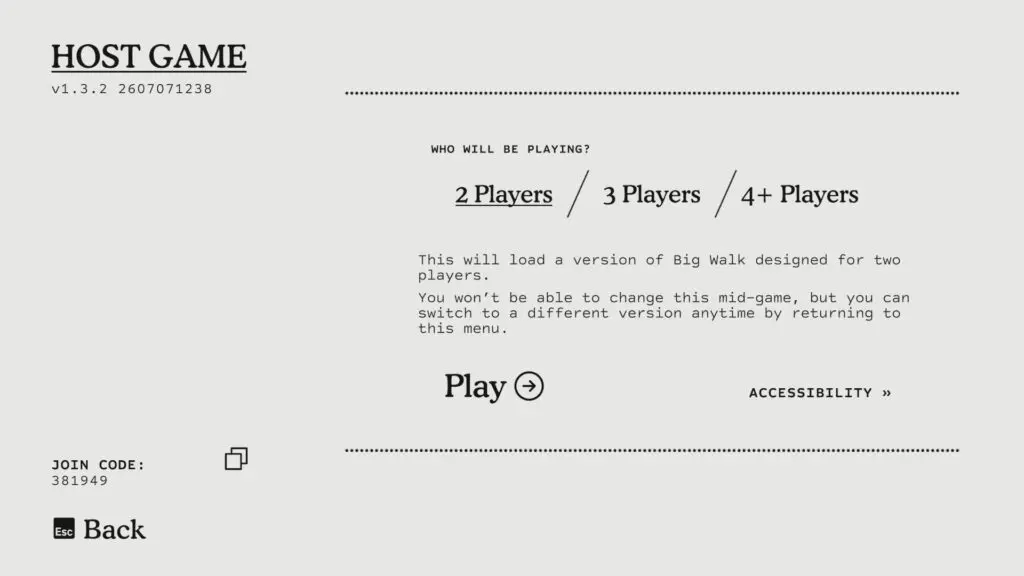
To create a run, the host selects Host Game, names the save and chooses how many players will be playing in that session. The six-digit join code changes every time the host loads Big Walk, so do not treat yesterday's code as permanent.
The player count is selected per session, not permanently for the save. The game supports up to twelve players, but its puzzles do not require more than four; higher settings can add time or extra buttons without changing the basic puzzle identity.
To continue a run, the same host returns to Host Game and selects the named save. The host chooses the player count again, then shares the current join code with the group.
What friends can join later
Players can join after the session is underway if they have the current join code and the host chose a high enough player-count setting. If two players choose a 3-player setting while waiting for a third, some puzzles may be impossible until that third player arrives. A 4+ setting is more flexible once at least four players are ready.
Late joiners wake in the tutorial-area waiting rooms rather than beside the host. Leave a short message on a nearby whiteboard, especially by the shortcut opening that leads toward the Map Room, so they know where to regroup.
Recovering inventory after loading
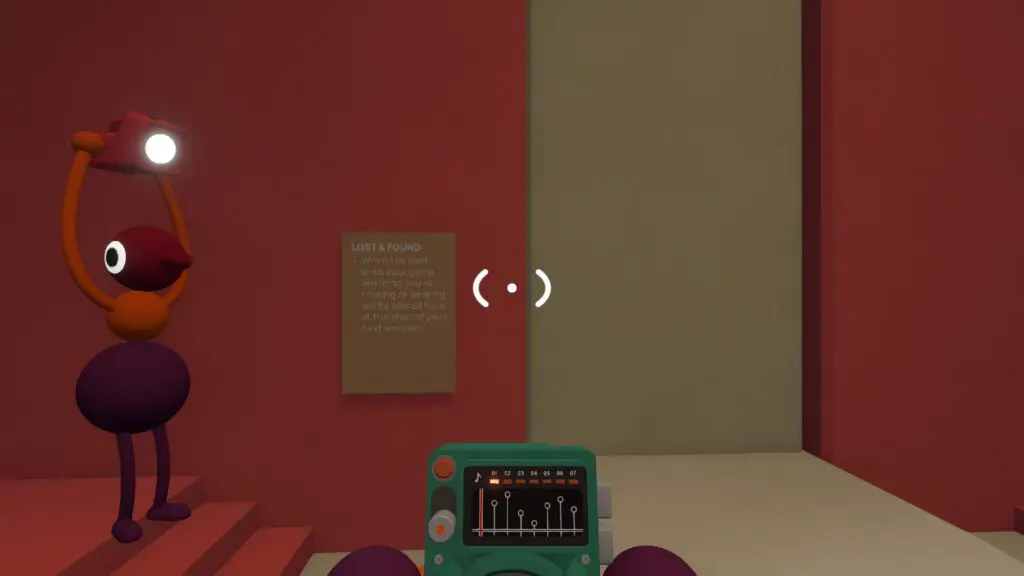
ScreenHype notes that carryable items from the previous session can be recovered at Lost & Found after loading back in. Their route describes leaving the spawn platform, passing the circle of chairs around the lanterns, and looking ahead for a beige platform marked Lost & Found.
Items to check there include backpacks, radios, map, compass and other carryable objects your group had when the session ended. This detail is still marked for this wiki's own in-game verification.
Quick save rules
Use this as the short version when onboarding a new group.
| Question | Answer |
|---|---|
| Do I manually save? | No manual save step is described in the official FAQ; the host saves automatically. |
| Can the host change? | For the same progress, plan around the same host returning. A different host means a different save unless the game later adds migration. |
| Does the join code stay the same? | No. It is generated when the host starts a session. |
| Can Mac App Store players use a friends list? | The official FAQ says the Mac App Store version uses join codes because it does not support Game Center friend sessions. |
| What happens when the host stops? | The session ends for everyone else. |