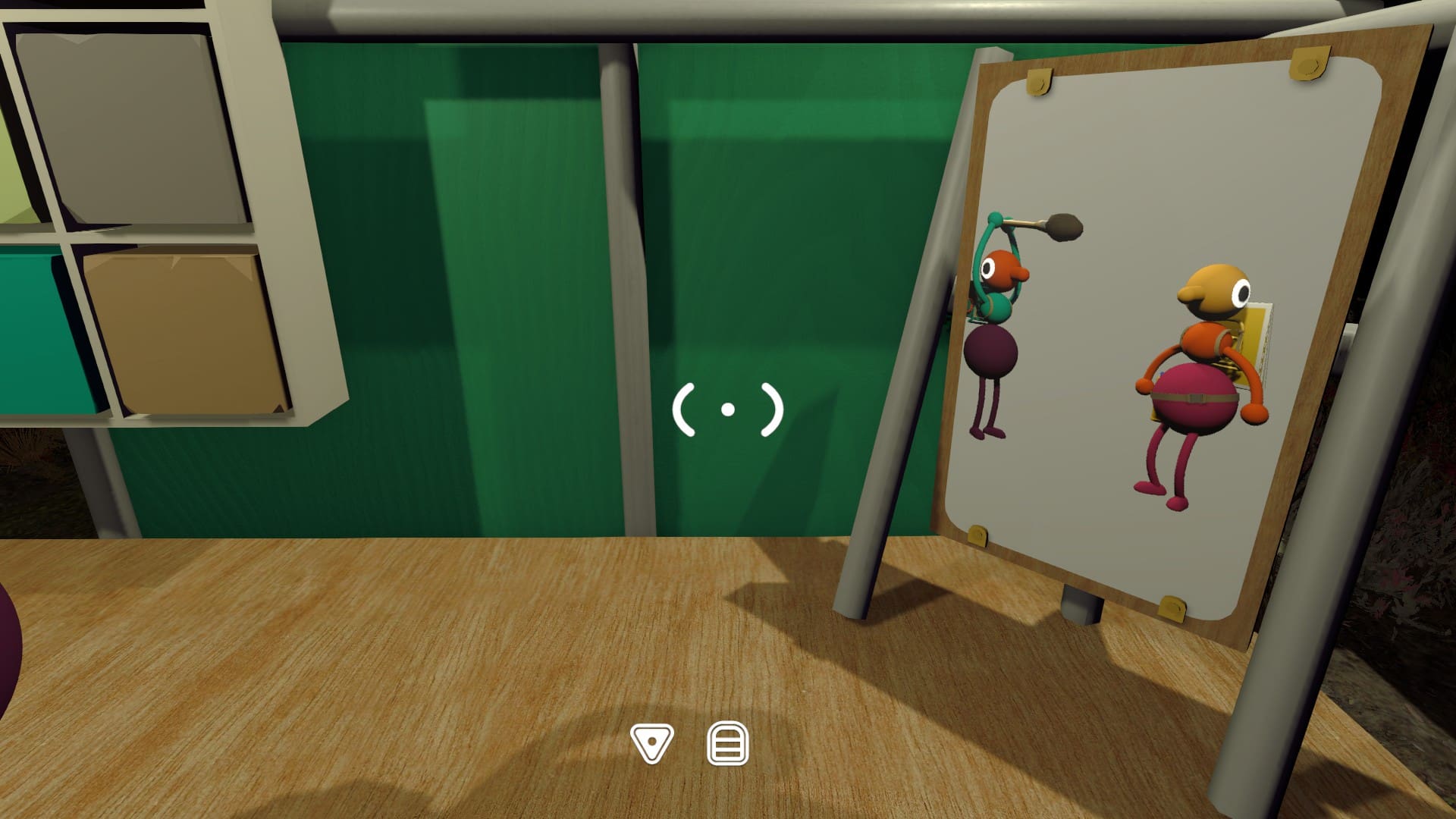
Where to find the paint palette
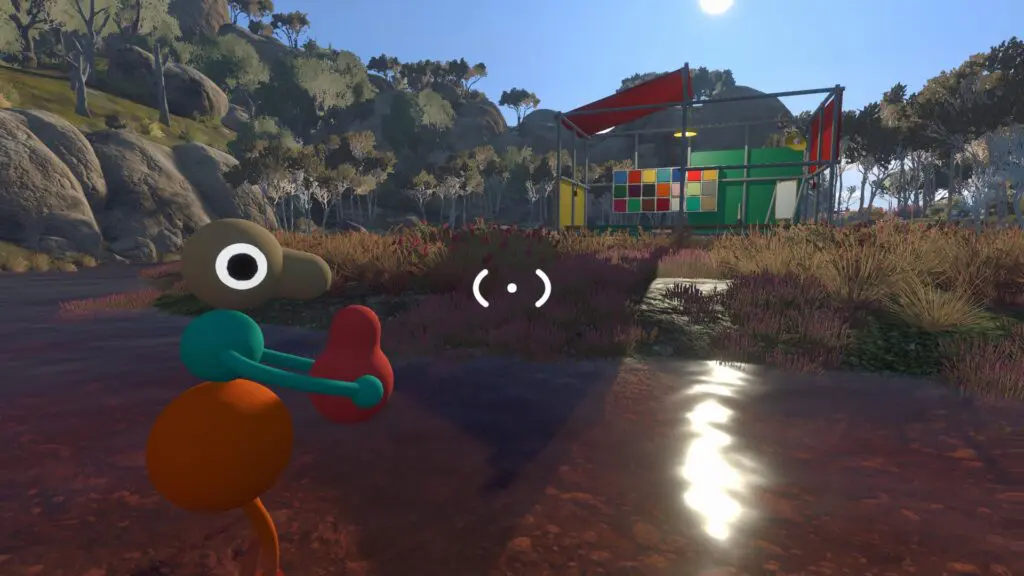
From the tutorial area, leave through the huge floor-to-ceiling archway and follow the mountain path downhill. Near the bottom, look for a flare-shooting device and a bench, then look across the river to the right.
The customization area is a scaffolded structure with green, yellow and red walls. The large palette on the green wall is visible from a distance. ScreenHype places it at map coordinates 3570, 1190.
Turn on the lantern between the flare device and the structure, or use the light on the yellow wall, because the area becomes difficult to read at night. If your group does not have a map yet, return after earning the Red Tower key and opening the Map Room.
How painting works
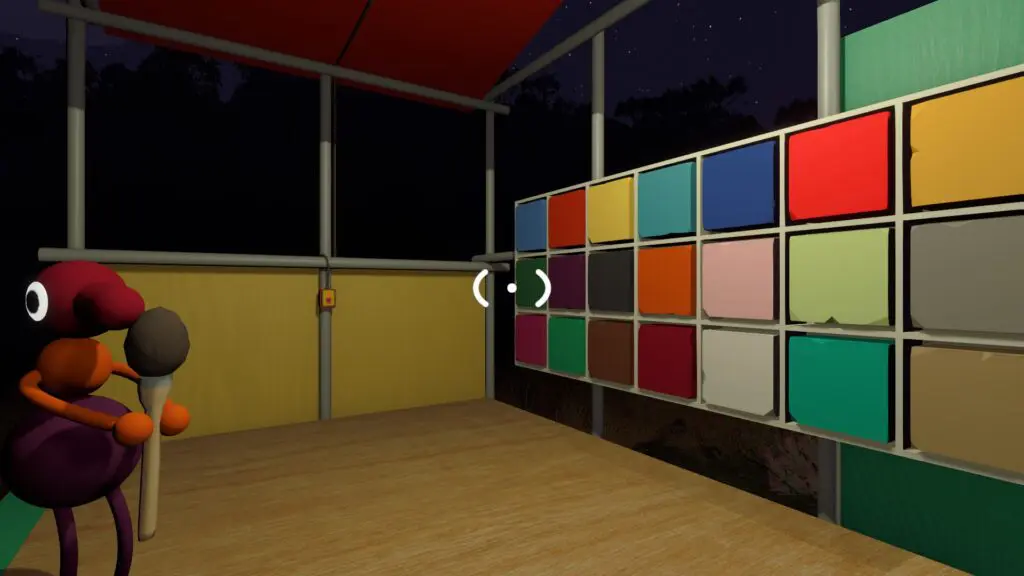
The avatar has three paintable sections: head, upper body and lower body. Another player must pick up the brush, dab it into a palette color and aim at the white target circle on the other player's head, upper body or lower body. You cannot paint yourself, mix colors on one body section or use colors that are not on the palette.
A mirror on the far right lets the painted player inspect the result. Turn on the area light before comparing colors, then follow the path behind the building when the group is ready to return to the Beach control-panel puzzles.
What persists
ScreenHype reports that chosen colors remain after reloading a run. Until this wiki verifies that directly, treat it as a community-tested note and keep a before/after screenshot if your group is documenting the feature.
Because the mechanic needs a second player, the customization space is a good first place to teach new players that Big Walk often turns simple actions into co-op rituals.